Data Import & Export
Migrate from spreadsheets or other tools in minutes. Your data is always yours.
Move your data with confidence
No more manual entry. Our powerful migration tools do the heavy lifting.
Smart Import Wizard
Automatically maps columns to Flottix fields.
Flexible Export
Export any view to CSV, Excel, or PDF.
Bulk Operations
Update thousands of assets at once.
Data Integrity
Built-in validation checks ensure clean data.
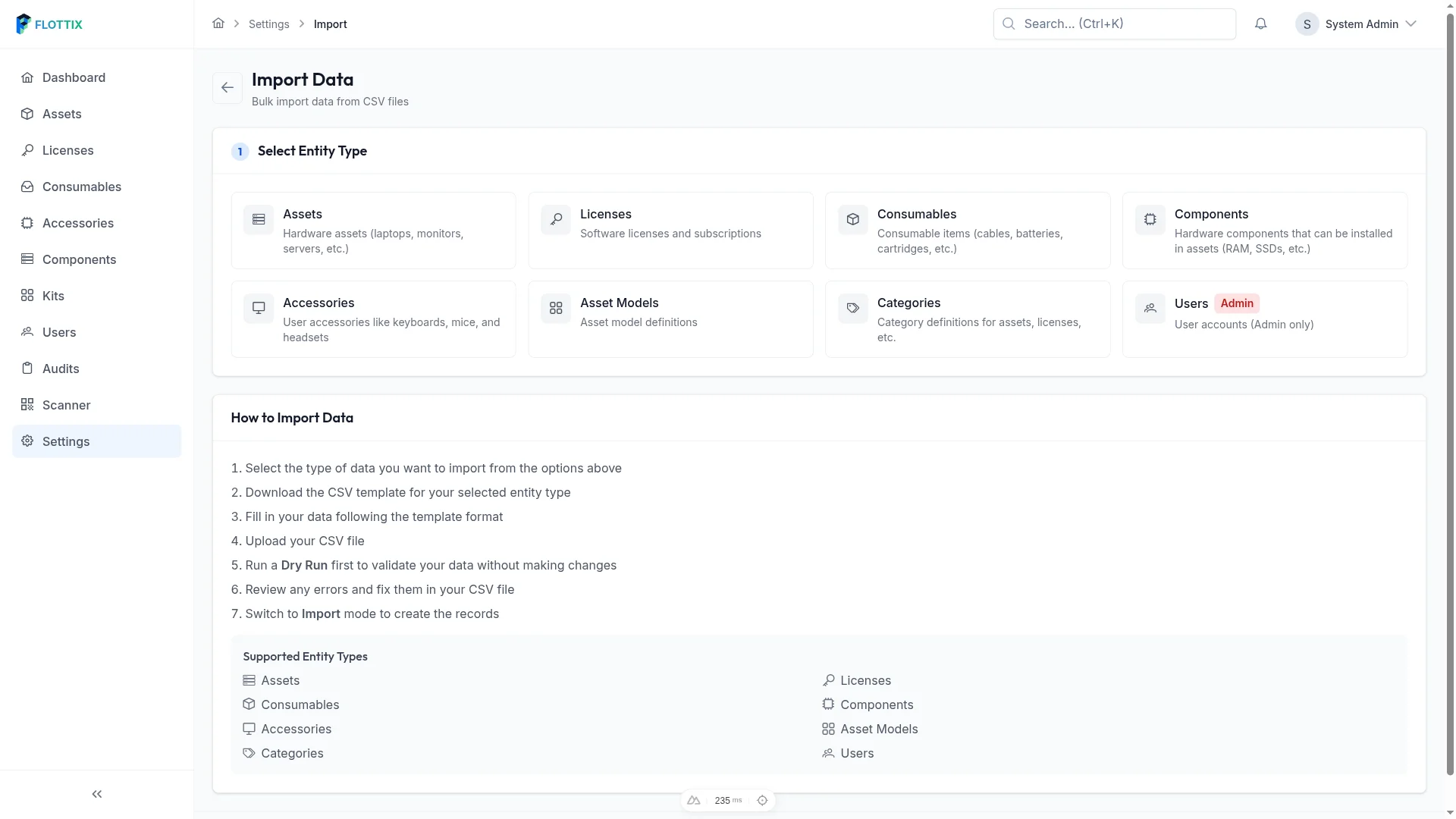
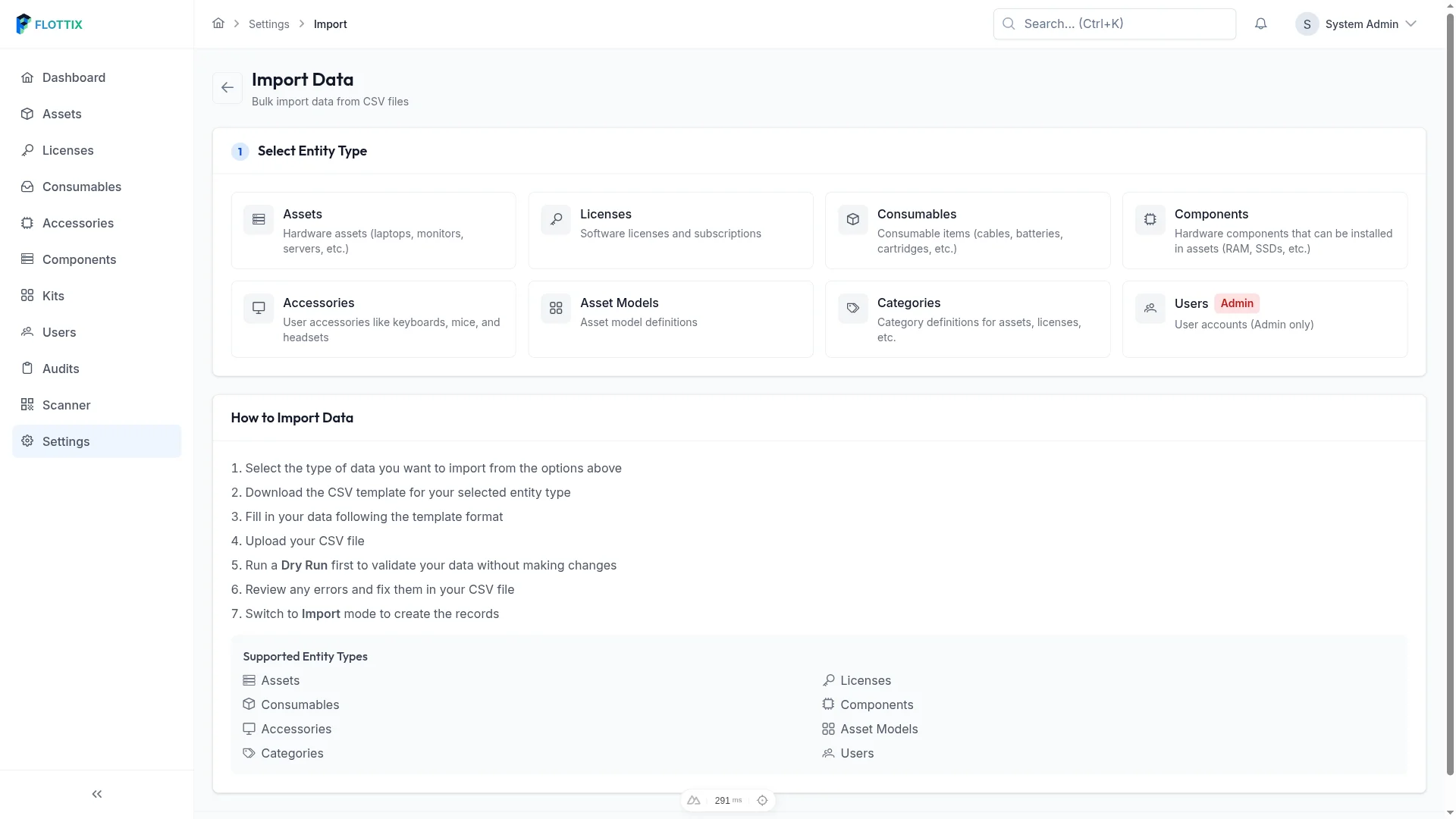
Bring Your Data In
Our CSV import wizard guides you through the entire process.
Supported data types:
Drop your CSV file here
or click to browse
Switching from another tool?
We have pre-built templates for popular asset management tools.
Snipe-IT
Import from Snipe-IT exports
AssetSonar
Import from EZO exports
AssetIT
Import from Jira exports
Setyl
Import from Setyl exports
Excel / Sheets
Standard spreadsheet formats
Need help migrating? Contact our team for assistance.
Export Options
Take Your Data With You
Your data is always yours. Export in multiple formats or via API.
Work at Scale
Manage thousands of assets efficiently.
Bulk Update
Update many fields at once
Bulk Assign
Check out multiple assets
Seamless migration experience
Watch how easy it is to move from spreadsheets to Flottix.

Related features
Streamline your operations with these integrated tools.
Asset Tracking
Track every piece of hardware in your organization. From laptops to monitors, know exactly what you have, where it is, and who has it.
Learn moreCustom Fields
Adapt Flottix to your organization. Create custom fields, categories, and workflows that match how your team actually works.
Learn moreAPI Access
Connect Flottix to your existing tools. Our REST API and pre-built integrations make it easy to automate workflows.
Learn moreReady to ditch the spreadsheets?
Import your first 50 assets for free today.
Free plan available. Optional one-time 14-day Professional trial included.