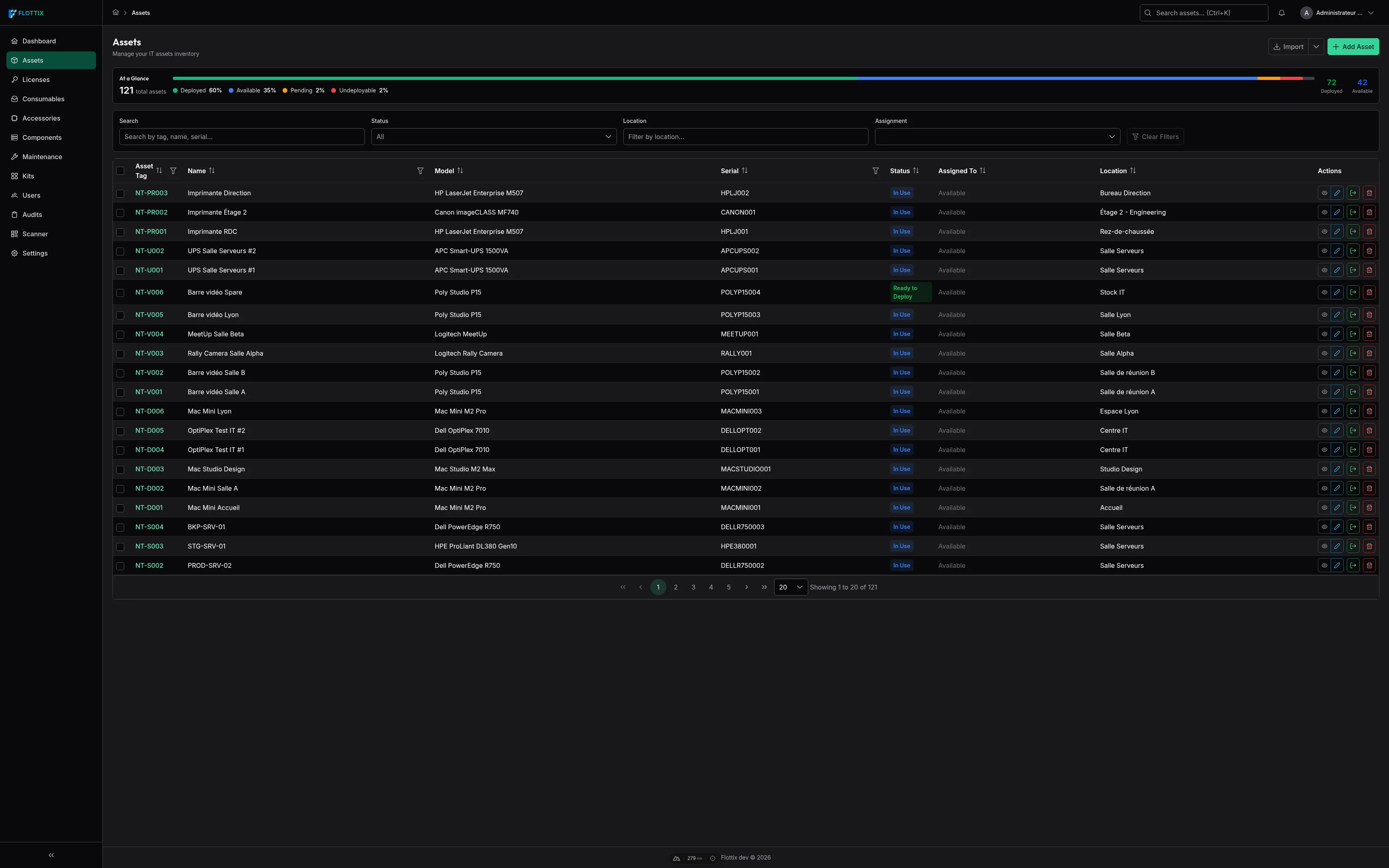
IT professionals spend a lot of time looking at screens, often in less-than-ideal lighting conditions. Whether you are dealing with a late-night deployment, working in a dimly lit server room, or simply prefer a darker interface to reduce eye strain, the blazing white background of most enterprise software can be exhausting.
You’ve asked for it, and we’ve built it. In Flottix v1.4, we are incredibly excited to introduce a comprehensive, system-wide Dark Mode.
More Than Just Inverted Colors
Designing a great dark mode isn’t as simple as flipping the background to black and the text to white. It requires a careful balance of contrast, elevation, and visual hierarchy to ensure that critical information remains readable and the interface feels natural.
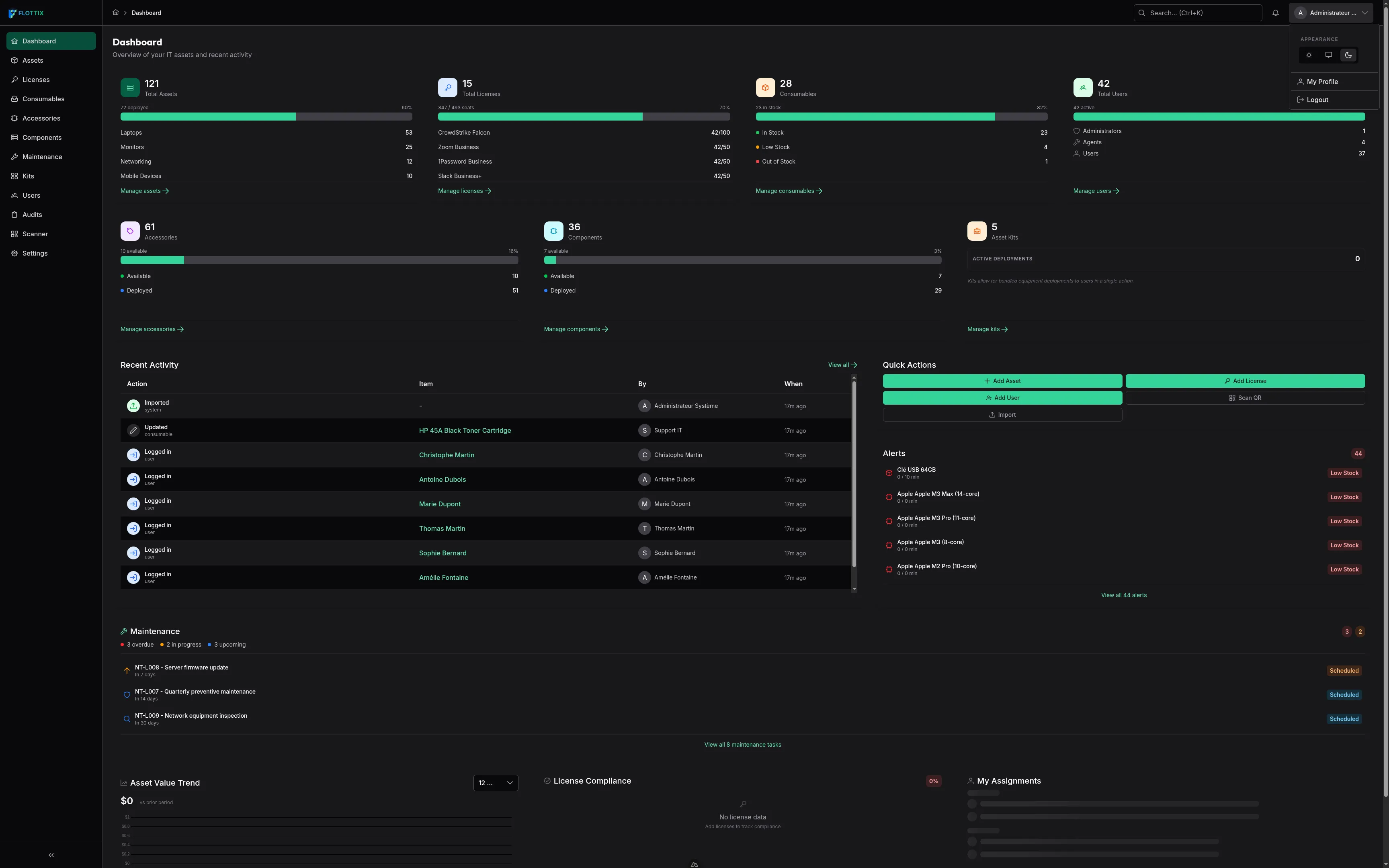
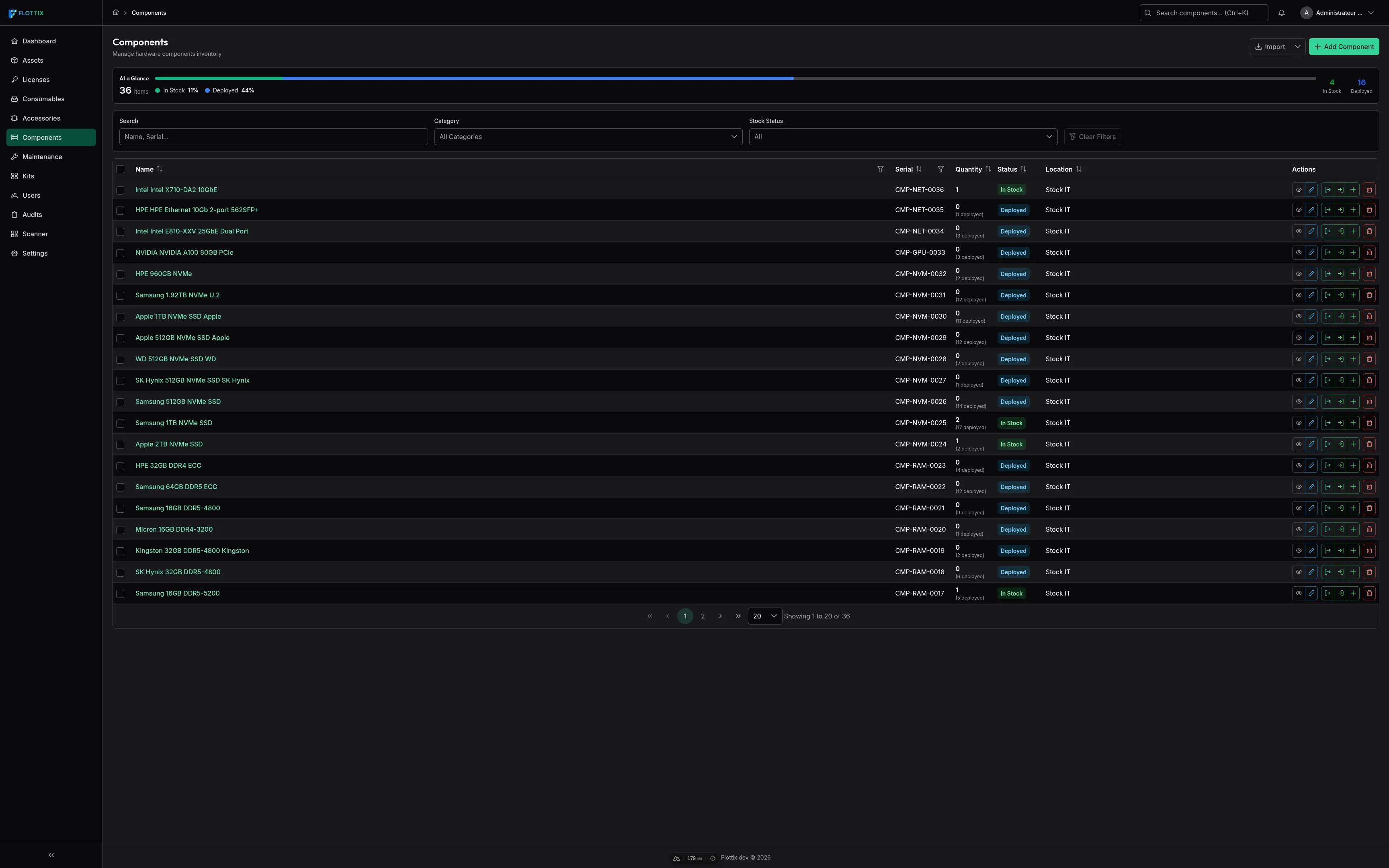
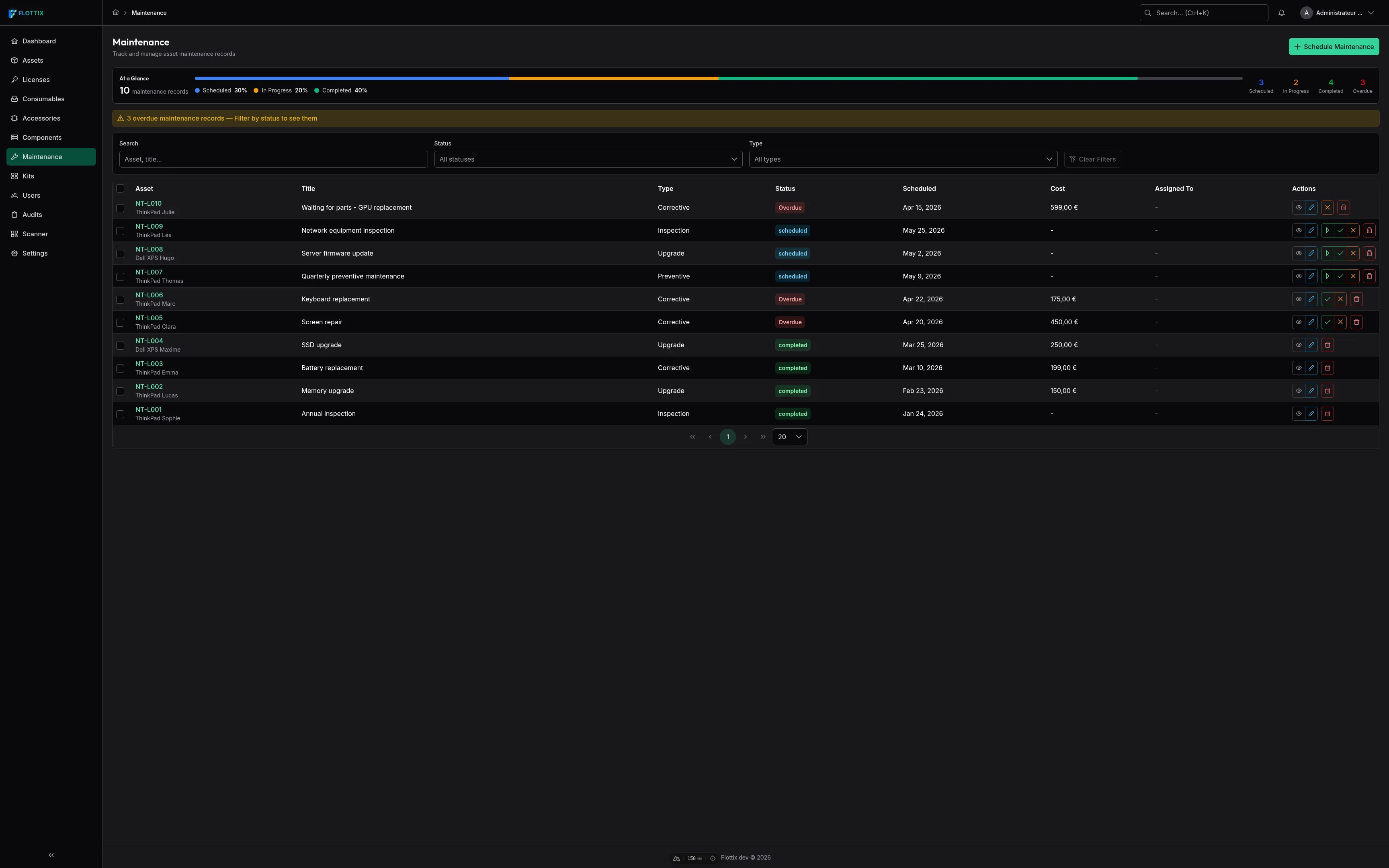
We have meticulously adjusted every component, from data tables and forms to charts and status badges, specifically for dark environments. The result is a sleek, professional interface that reduces glare and eye fatigue while maintaining the clean, modern aesthetic you expect from Flottix.
Your Preference, Everywhere
We know that how you work can change throughout the day. That’s why Flottix v1.4 gives you complete control over your viewing experience.
You can choose to lock the interface into Light Mode or Dark Mode, or you can set it to follow your operating system’s settings. Even better, your preference is saved to your user profile. If you switch from your desktop workstation to your mobile device, your dark mode setting travels with you.
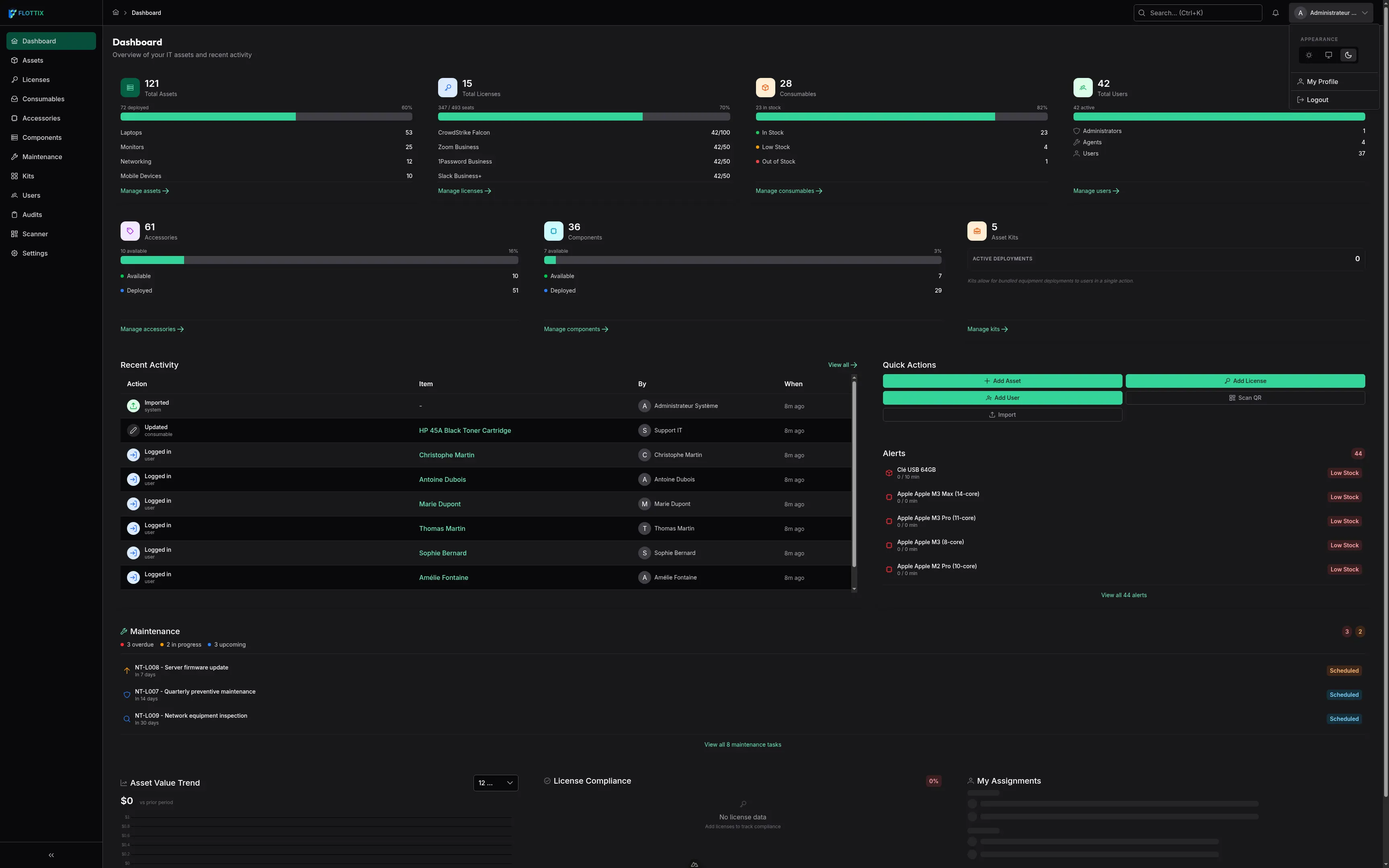
Consistency Across the Platform
Dark mode isn’t just for your dashboard. We’ve brought the dark theme to every corner of the Flottix experience. Whether you’re managing complex inventory lists or tracking hardware components, the interface remains consistent and comfortable.
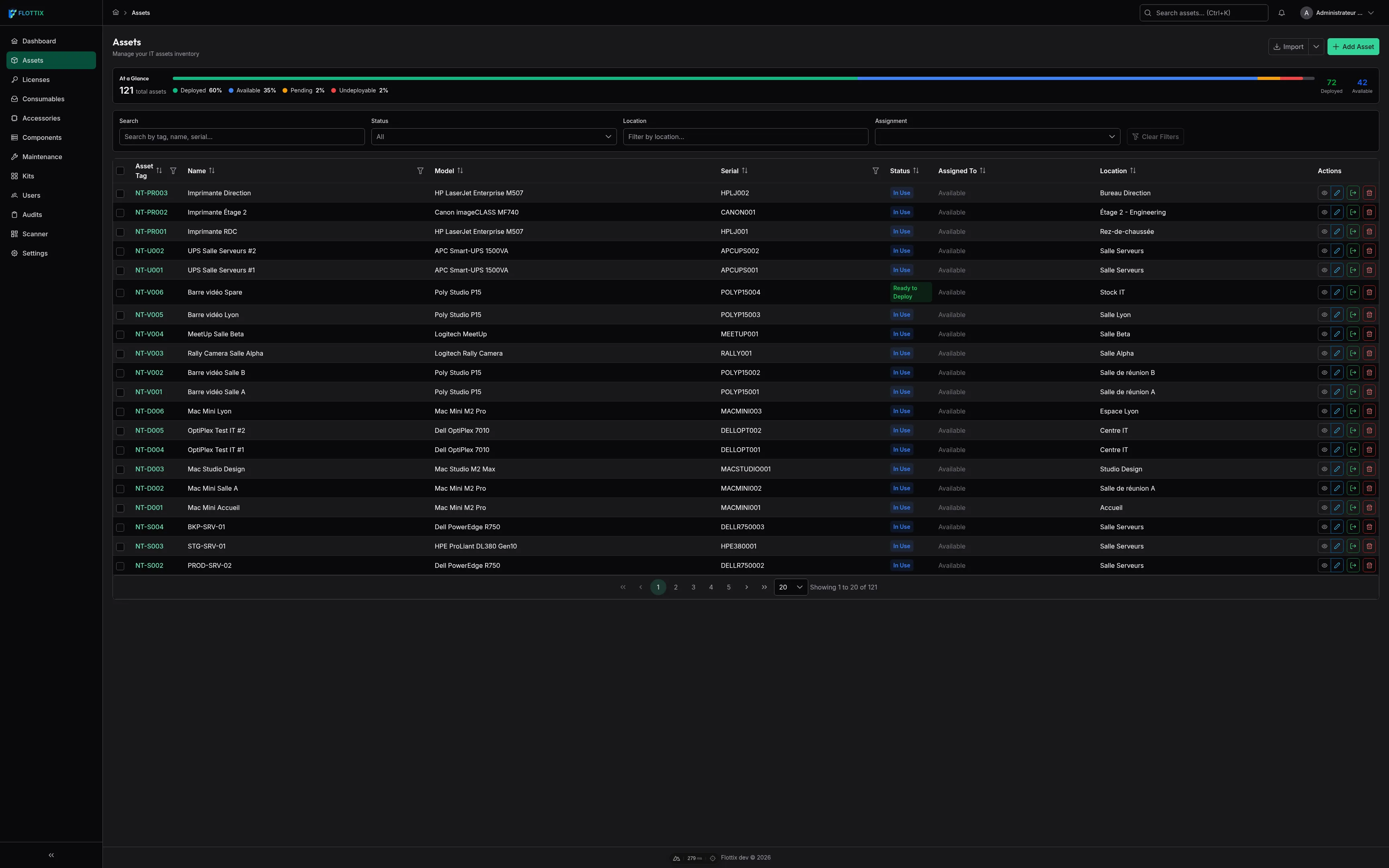
Focus on What Matters
A good interface gets out of your way and lets you focus on your work. By reducing the overall luminance of the application, our new dark mode helps draw your attention to the data that matters most—status alerts, critical warnings, and important metrics stand out more clearly without blinding you.
Whether you are a creature of the night or just looking for a more comfortable daily working environment, Flottix v1.4’s dark mode is ready for you.
👉 Start your free account today and experience the dark side of IT asset management.